

Find the Best Game Deals with Green Man Gaming
Overview
Green Man Gaming is a desktop application designed to streamline the process of discovering and purchasing video games at competitive prices. Developed by Green Man Gaming Limited, the software serves as a centralized marketplace for gamers seeking affordable access to a wide range of titles. With over 7,500 games sourced from more than 500 authorized retailers and publishers, the platform offers a diverse selection of both modern and niche releases. The app provides real-time updates on sales, giveaways, and VIP promotions, helping users stay ahead of the latest gaming trends.
Targeted at budget-conscious gamers and enthusiasts who value cost-effective purchases, Green Man Gaming delivers a personalized feed based on individual interests. This feature ensures users receive curated content, including upcoming releases, top deals, and industry news. While the software is primarily used for shopping, it also functions as a news hub, keeping users informed about game developments, competitions, and special events. The application runs on both Windows and Mac operating systems, offering cross-platform accessibility for desktop users.
Despite being positioned as a competitor to established platforms like Steam and GOG, Green Man Gaming operates as a digital marketplace rather than a game distributor. As such, it does not host games directly but redirects users to authorized retailers for purchases. The developer did not provide additional system requirements beyond the operating system and file size. Performance details were not specified.
Key Features & Capabilities
- Extensive Game Catalog – Access to over 7,500 games from more than 500 authorized retailers and publishers, offering a broad selection of titles across genres and platforms.
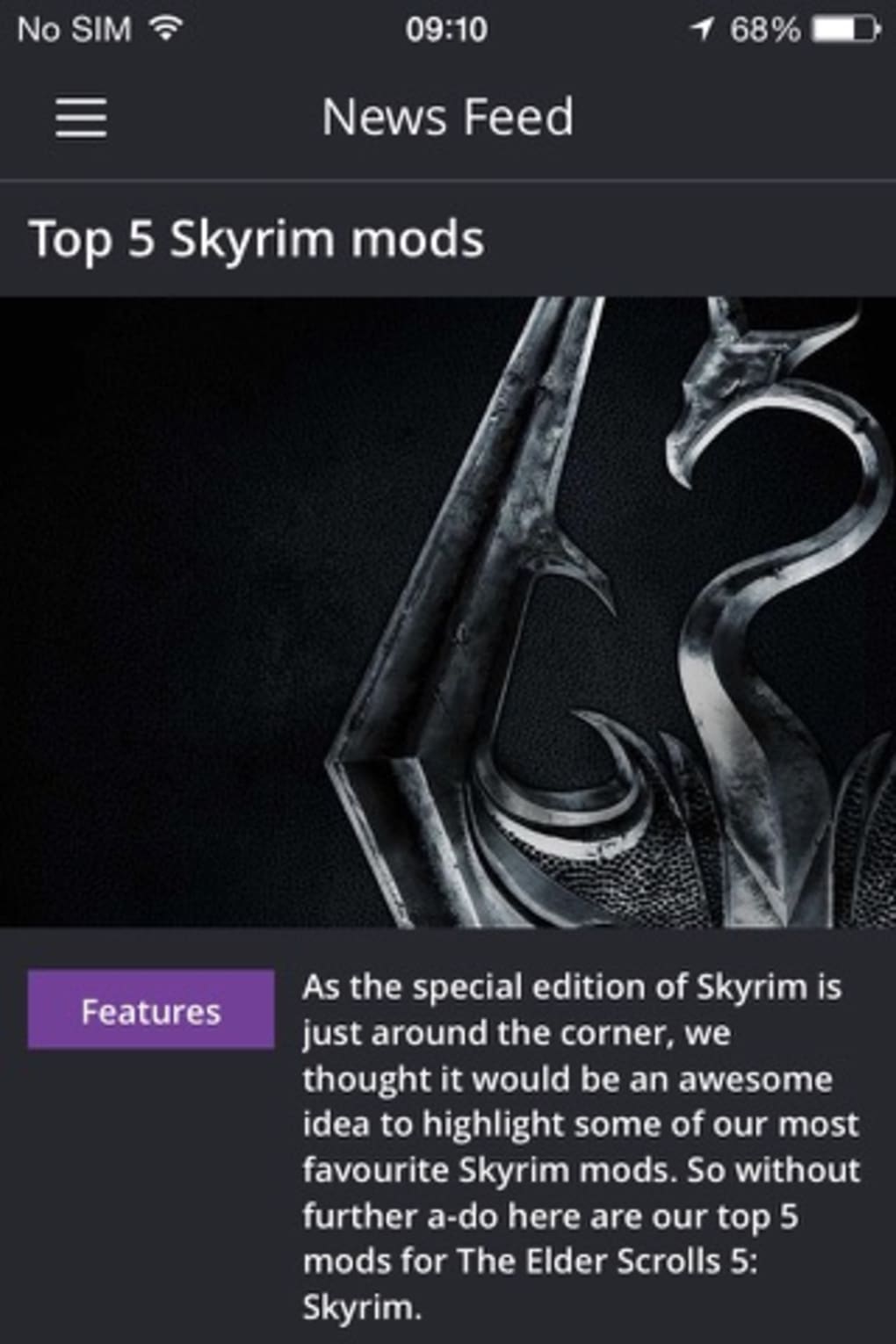
- Personalized News Feed – A dynamically tailored feed that delivers game deals, upcoming releases, and industry updates based on user preferences and browsing behavior.
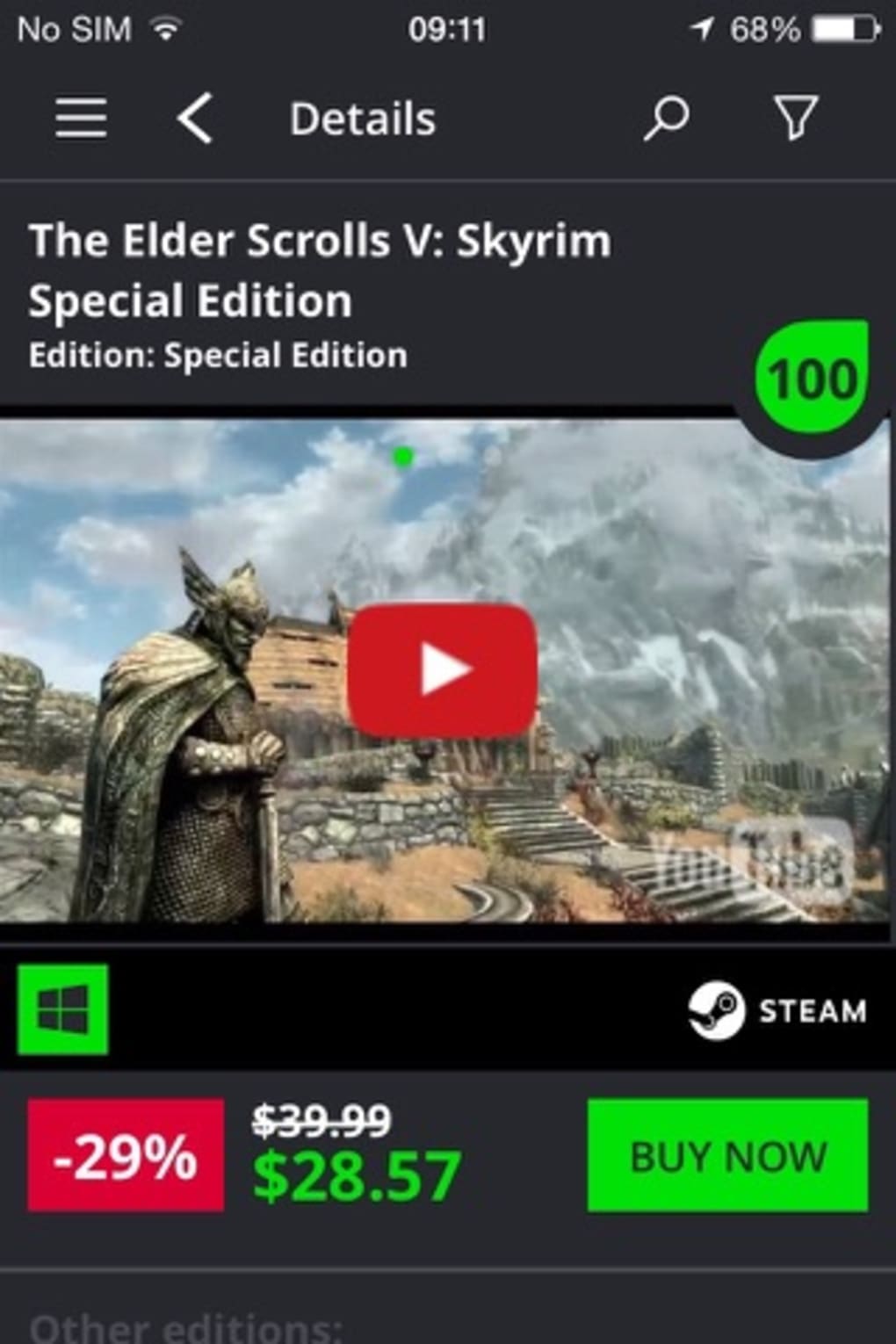
- Real-Time Deal Alerts – Instant notifications for ongoing sales, VIP discounts, giveaways, and competitions, ensuring users never miss a valuable opportunity.
- Infinite Scrolling Interface – Content continuously loads as users scroll, enabling seamless navigation through a vast array of games and promotions without manual page refreshes.
- Indie Game Focus – Regular weekend promotions on indie titles, making it a go-to platform for discovering affordable and unique games from independent developers.
These features collectively enhance the user experience by reducing the time spent searching for deals and increasing the likelihood of finding high-value purchases. The personalized feed helps users discover relevant content without sifting through irrelevant information, while the infinite scrolling interface improves engagement and browsing efficiency. The app is particularly useful for users who frequently monitor sales cycles or seek niche titles not widely advertised on mainstream platforms.
User Interface, Workflow & Performance
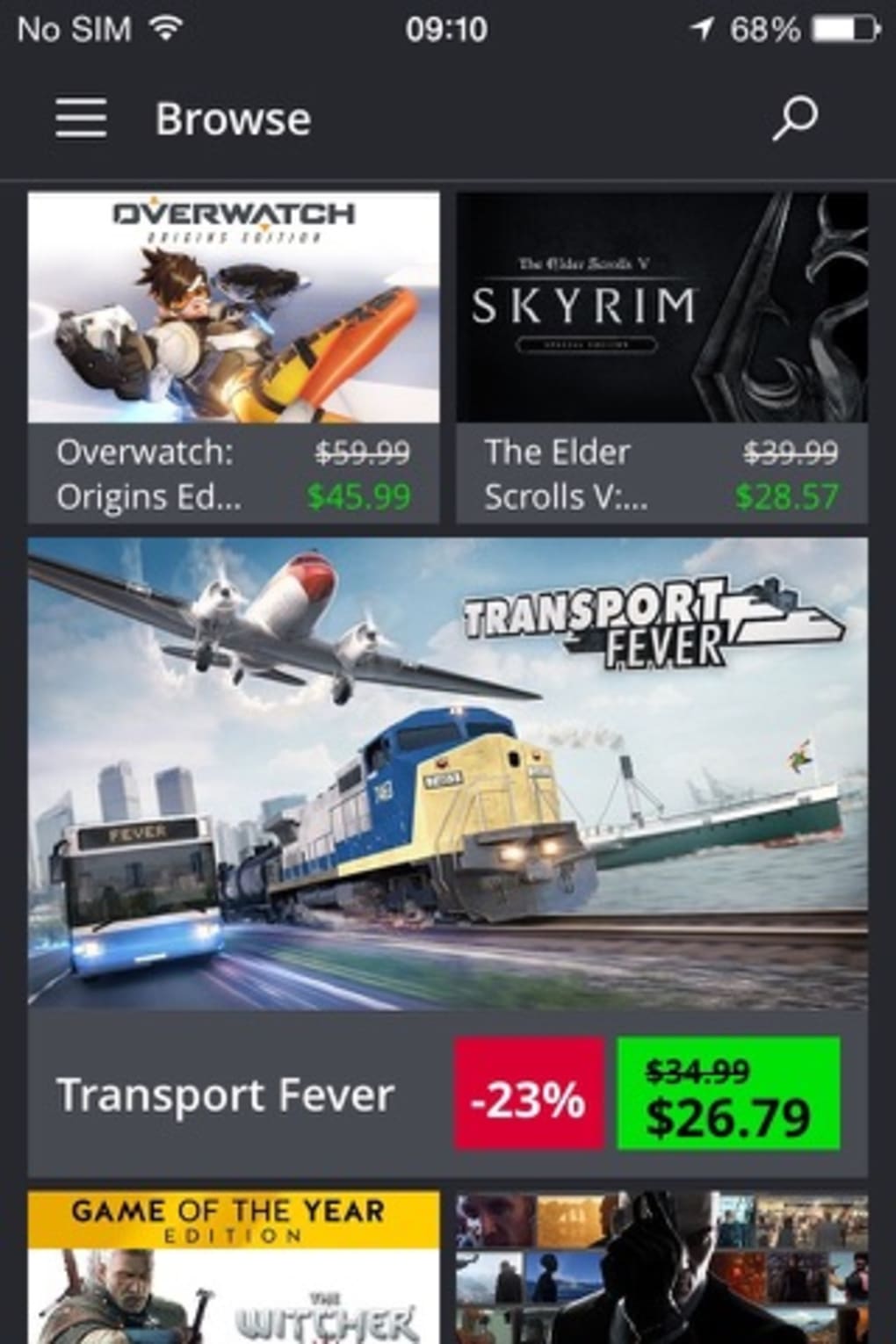
The user interface of Green Man Gaming is designed for intuitive navigation, with a clean layout that emphasizes content visibility. The main screen displays the personalized feed, organized into sections such as top deals, new releases, and upcoming sales. Navigation is handled through a sidebar or bottom menu, allowing users to switch between categories with minimal effort. The design prioritizes readability and visual hierarchy, using clear typography and color coding to distinguish between deal types and game genres.
Workflow efficiency is enhanced by the infinite scrolling mechanism, which eliminates the need for pagination and allows users to browse continuously. This reduces friction in the discovery process and supports extended engagement. The app’s responsiveness is consistent with standard desktop applications, though exact performance metrics were not provided. The developer did not specify resource usage details, such as CPU or RAM consumption. Stability during extended use was not documented.
Users can expect a smooth experience when using the app for browsing and deal tracking, particularly on systems meeting the baseline requirements. However, performance observations are based on general software behavior patterns, as no official benchmarks or usage reports were released. The app does not require complex setup or configuration, making it accessible to users with varying technical expertise.
Compatibility & System Requirements
Green Man Gaming is compatible with both Windows and Mac operating systems, providing broad accessibility for desktop users. The software version is 1.0.0, with an installation size of 500 MB. This indicates a lightweight footprint relative to full game clients, making it suitable for systems with moderate storage capacity.
Exact system requirements were not listed by the developer. The application does not appear to require high-end hardware, as it functions primarily as a web-based interface wrapper with minimal local processing. However, users should ensure their system meets the minimum specifications for running the operating system and any underlying browser components. Compatibility information was partially provided, and further details may be available through official documentation.
Pros and Cons
Pros
- Access to over 7,500 games from authorized retailers and publishers
- Personalized feed tailored to individual gaming interests
- Real-time alerts for sales, giveaways, and VIP discounts
- Regular indie game promotions and weekend deals
- Lightweight installation at 500 MB
Cons
- Limited game library compared to platforms like Steam and GOG
- No native desktop client—functions primarily as a web wrapper
- Does not host games directly; redirects to third-party retailers
- Lack of official system requirements and performance data
- Interface may feel less polished than leading competitors
FAQ Section
Is Green Man Gaming available for Windows and Mac?
Yes, the software is compatible with both Windows and Mac operating systems, allowing users on either platform to access its features.
Is the app free to download and use?
Yes, Green Man Gaming is available at no cost. There are no subscription fees or hidden charges for accessing the marketplace or personalized feed.
Does the app require an internet connection?
Yes, an active internet connection is required to browse deals, access the personalized feed, and receive real-time alerts.
Can I use Green Man Gaming offline?
No, the application requires an online connection to function. It cannot be used to access or play games offline.
How often are updates released?
Updates are released periodically to improve performance, add new features, and ensure compatibility with the latest operating systems. The exact frequency is not specified.
Final Thoughts + CTA
Green Man Gaming stands out as a practical tool for gamers seeking affordable access to new and indie titles. While it may not match the expansive libraries or native desktop experiences of Steam or GOG, its strength lies in delivering competitive pricing and curated deal alerts. The personalized feed and infinite scrolling interface enhance discovery, making it easier to find value-driven purchases without extensive searching.
Although the app lacks a full desktop client and direct game hosting, its role as a discount-focused marketplace remains effective. It is particularly well-suited for users who prioritize cost savings and enjoy tracking sales cycles. For those looking to maximize their gaming budget, Green Man Gaming offers a reliable and accessible solution.
Download Green Man Gaming now







